How to Use the Respond App

A short, practical guide for busy teachers
Respond removes marking as a workload, not feedback. It does the slow, high‑precision work that written marking normally demands, so you can stay focused on teaching.
This guide walks through the three phases of using Respond — preparation, marking, and feedback — and shows what each phase gives you as a teacher.
Preparation: Set the app up to succeed

Most teachers think marking begins when you sit down with a pile of scripts. With Respond, marking starts with a short setup phase that pays dividends later.
What you need
Before you start a marking run, gather three things.
- Digital copies of the original question paper.
- Digital copies of the mark scheme.
- Scans or photos of the student work.
Why accuracy matters
Respond teaches itself to mark your assessment using the exact materials you upload. It dissects layouts, locates question boundaries, studies marking points, and models the logic without any pre-training on your exam or subject.
The closer the student papers and mark schemes match, the better the internal model becomes.
- Student papers should match the question paper page for page.
- Mark schemes should correspond subquestion by subquestion.
- Missing pages, mislabelled questions, or unusual layouts reduce accuracy.
But isn't this extra work?
Slightly — but it is work you only do once per assessment, and it gives you a fully digitised archive of papers, mark schemes, and student scripts that stays organised forever.
No more digging through cupboards or trying to remember where that great version of Paper 2 went. Preparation gives you future-proof resources, which is already a workload win.
Marking: Where Respond does the heavy lifting
Once preparation is complete, Respond shines. Upload your materials, confirm the structure, review detected questions if you wish, and press Mark.
Respond analyses every page, aligns it with the internal model it learned, and assigns marks with subquestion-level justification. It is full-service, autonomous marking — not a set of hints you still have to process manually.
The time shift
Teachers normally lose hours each week to marking. Respond flips that equation.
- You spend minutes preparing.
- The app spends hours marking.
- You receive consistent, script-by-script results without burning the hours yourself.
Feedback: Turning marking into progress
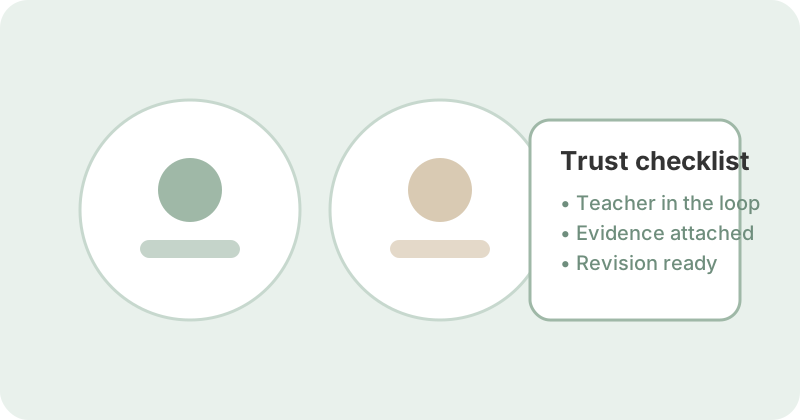
Marking is only worthwhile if feedback drives learning. Respond treats feedback as the ultimate goal.
Alongside raw marks, the app generates individual reports, class-level insight, subquestion analysis, and marking-point breakdowns that would be difficult to produce manually under time pressure.
For teachers
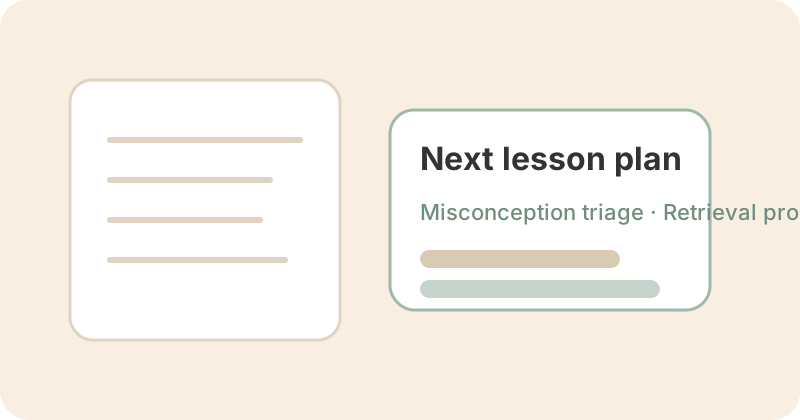
You gain a high-resolution map of the class that makes next lessons easier to plan.
- Know where students are strong or inconsistent.
- Spot where misconceptions cluster.
- See which questions or concepts need reteaching.
- Track how individual students progress question by question.
For students
Students receive precise, specific feedback they can act on immediately — in class, at home, or during revision.
- Exactly which marking points they achieved.
- Exactly which ones they missed.
- What that means for their understanding.
- What they should do next.
For parents
Parents finally get more than a grade. They see a narrative that explains how their child is doing and why.
That clarity makes parent-school conversations easier and positions parents as active supporters.
The deeper impact: Greater presence in learning
Each step brings teachers, students, and parents closer to the learning instead of pushing them away from it.
Digitised preparation keeps resources useful. Automated marking removes the bottleneck between assessment and feedback. Rich feedback empowers every person in the loop.
Final thoughts
Respond is not just a marking tool. It is a way to make teacher time more meaningful, student progress more visible, and parent engagement more informed.
If you want the short version, follow the flow below.
- 1. Preparation: Digitise your materials and let the app learn your assessment.
- 2. Marking: Hit go — then walk away.
- 3. Feedback: Use the insights to drive better learning.
Key takeaways
- Solid preparation improves accuracy and creates a reusable assessment archive.
- Respond takes over the entire marking workload so teachers can reclaim hours each week.
- High-resolution feedback loops keep teachers, students, and parents aligned on next steps.
- The bigger outcome is teacher presence — more time in front of students, less time under piles of scripts.
Example resources
- Download example student report (PDF) An anonymised sample student report you can use alongside this guide.
- Download example teacher & class report (PDF) A full teacher & class report to explore while you read the workflow.